
Mad Zach's Handy Dandy Twister Ableton Device Control Script (Thor's edit for Live 12)
Description and Instructions
Updated version for Ableton Live 12 (12.4.1 is working)
Thor's edits -- This allows you to use ALL 16 knobs on the midi fighter twister (up from the original 8) as Live 12 racks can now support 16. This is tested and working on Bank 4 of midi fighter twister with the encoders set to midi numbers 48 to 63 in order.
End of edits
Original:
-----
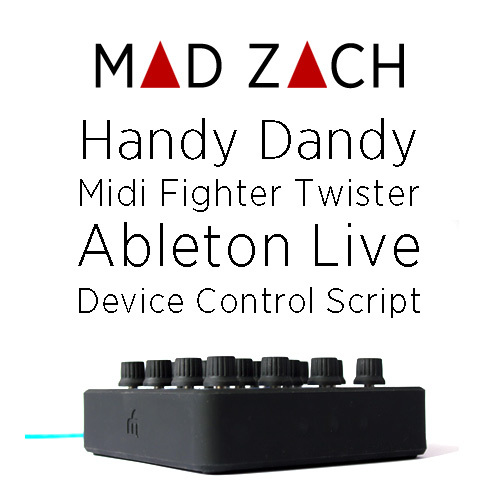
This is a simple Ableton Live Script to allow Twister's bottom 8 knobs in bank 4 control any live device, effect, effect chain, or instrument which is selected (with the "device focus" blue hand) in Ableton Live. I've used it only with Live 9 and Mac (though it should also work for Windows) – sorry Live 8 people.It is a modification of the LPD 8 live script, nothing too complicated – enhancements/improvements are invited and encouraged!
To install, just unzip, and drop into the live scripts folder. You can find this folder (it is hidden sort of) by doing the following:
right/ctrl click the Ableton Application Icon > Show Package Contents, then Contents/App-Resources/MIDI Remote Scripts/
Once you've done that, restart Ableton, and load the script in the midi preferences, setting Twister as your in and out. If that is confusing... check out this article which explains how to install a custom live script:
http://bit.ly/howtoinstallalivescript
Enjoy!
Problem downloading or other issues? Let us know on the forum.
Comments for v3.0
There are no comments for this version yet! Why don't you be the first.


