
qml-s4mk3 JE ss0.6
Invalid YouTube URL
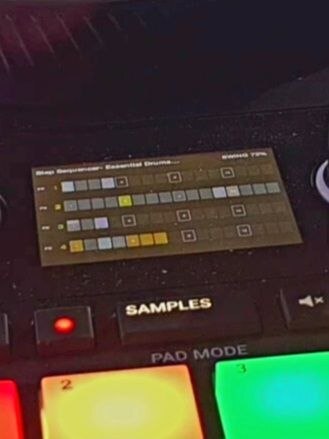
Description and Instructions
1. Lane Selection and Step Control
Controller buttons |
Function |
|---|---|
PAD5 |
Select Lane 1 |
PAD6 |
Select Lane 2 |
PAD7 |
Select Lane 3 |
PAD8 |
Select Lane 4 |
PAD1–4 |
Toggle the step at the current white-cursor position in the selected lane |
SHIFT + PAD1 |
Clear Lane 1 |
SHIFT + PAD2 |
Clear Lane 2 |
SHIFT + PAD3 |
Clear Lane 3 |
SHIFT + PAD4 |
Clear Lane 4 |
2. Pattern Length
Hold PAD5–8 to select the corresponding lane.
Touch MOVE and turn the LOOP encoder to adjust the pattern length.
Press LOOP to reset the pattern length to 16 steps.
3. Swing
Hold PAD5–8 to select the corresponding lane.
Touch LOOP and turn the MOVE encoder to adjust Swing.
Press MOVE to reset Swing to 0.
Swing adjustment step: 0.01.
Problem downloading or other issues? Let us know on the forum.


